
ThirteenAG
NFSU2 widescreen fix on Windows 10 and 11
This page is the aspect-ratio fix. It is not the 1080p settings page and it is not the PS2 emulator patch.
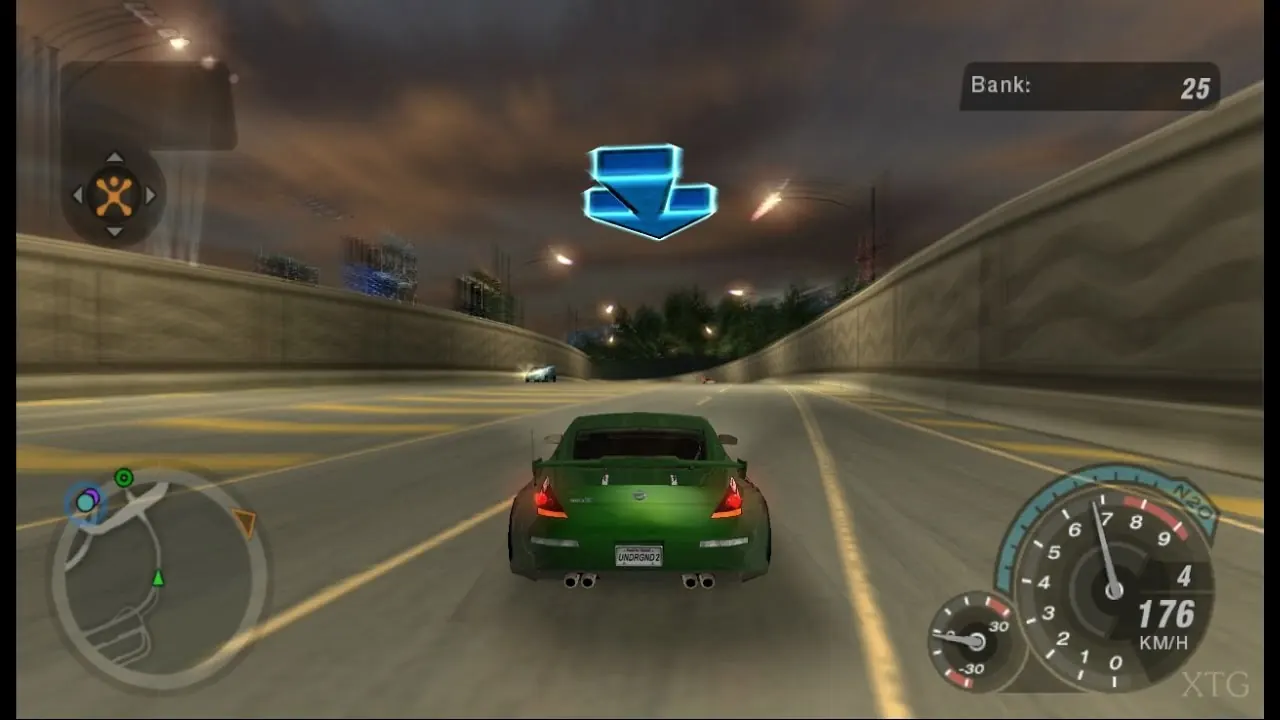
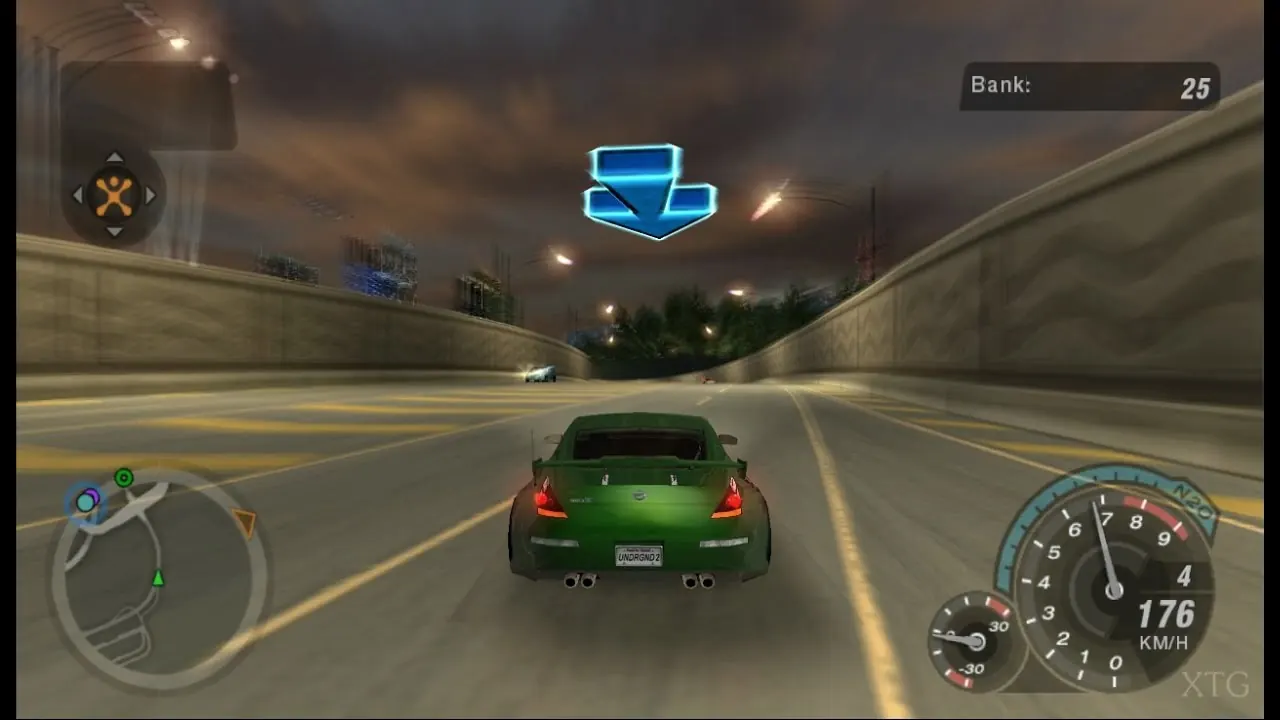
What to install
PCGamingWiki points at the WidescreenFixesPack release tagged nfsu2. The fix ships as a dinput8 wrapper and an INI. Put it next to the game executable after the official 1.2 patch. Extra Options can sit alongside it. Read both INI files before you stack a third injector.
Ultrawide values belong in that INI, not in a stretched desktop resolution. If the HUD is the only problem, look at HUD mods on the mods page instead of raising the render scale.
Video
Public widescreen-fix video. Playback starts after a click.
FAQ
Which file is the fix?
The nfsu2 build from WidescreenFixesPack.
Does this fix PS2?
No. PCSX2 has its own widescreen patches.
Where do I set 1440p?
On the resolution page, after the aspect ratio is correct.
Sources
- ThirteenAG WidescreenFixesPack — checked 2026-11-03
- PCGamingWiki — checked 2026-11-03
- NFSMods Extra Options — checked 2026-11-03
Related: ResolutionPC installMods